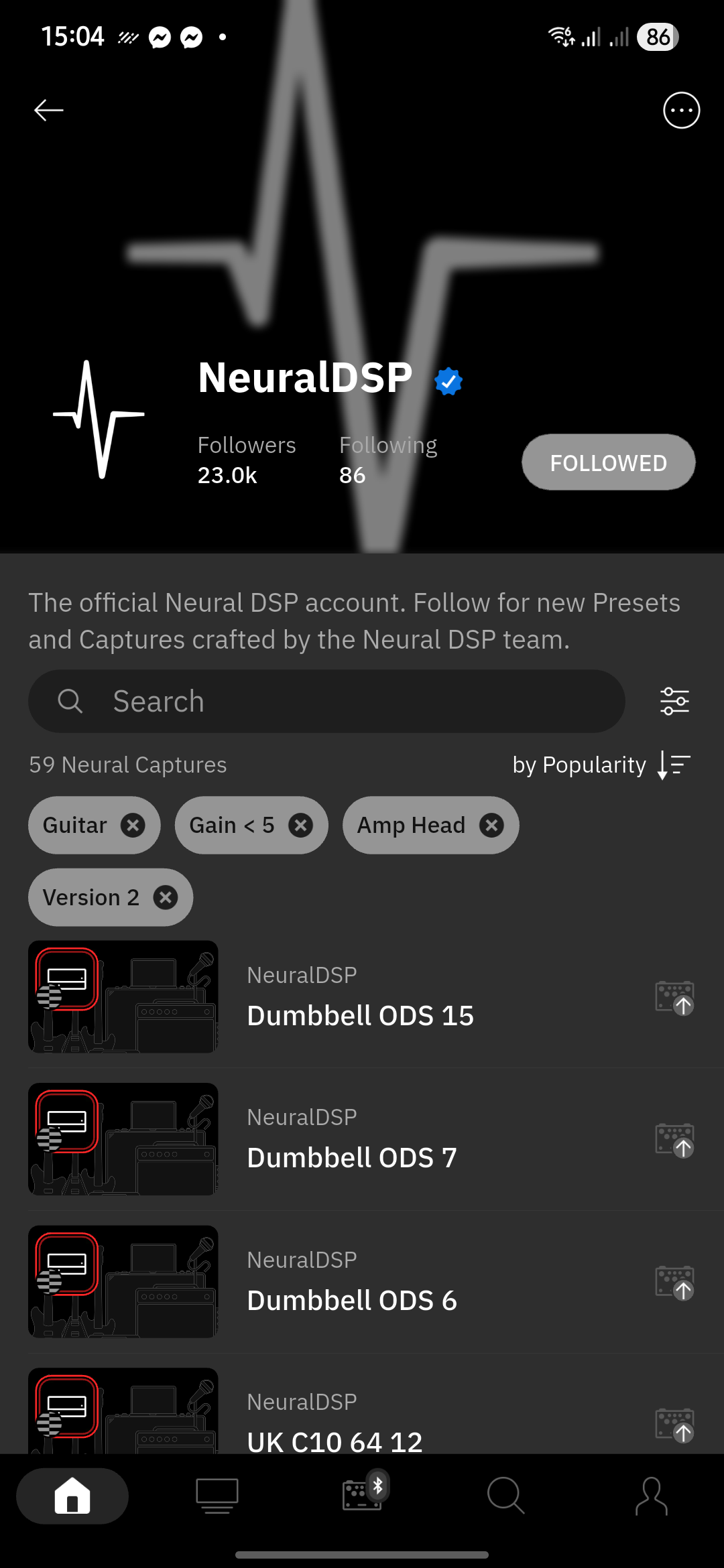
you can start by heading to official Neural DSP profile, search for amp captures and use filter to select only V2 captures with guitar as preferred instrument and desired gain range.
Thanks for your response.
I’ve been trying to do that via the Nano Cortex app (iOS) on my iPhone.
I’m not seeing them organized that way.
Should I be doing this through my Cloud Cortex profile on the website?
Not sure how iOS app looks like, but this is how it’s on Android, I’d guess that the basic layout would be the same accross platforms - from the homepage navigate to featured users, NeuralDSP is the first, click that, filter out the results