Low end (boomy sound) & resonance

I recently started my modeling journey with the Nano Cortex, but I disliked it so much that it went back to the shop in less than a week. Even on clean amps, there was excessive low end and resonant boominess that made it completely unusable for me. My use case is to use the return of the tube amp (Fireball 25 + Victory 212 V30 cab). When I contacted Neural support, they explained that Nano is not designed for this and recommended using FRFR cabinets instead, which isn’t an option for me (but to my surprise I hear the same via headphones).

I then chose the Hotone Ampero II Stage. The models themselves were perfectly fine and not boomy, but many of the amp models sounded too similar to each other. I’m familiar with how tube Soldano and Marshall amps sound and they are different, yet on the Hotone they were very close in character. As a result unit was also returned.

Now I’m using Quad Cortex Mini, and the experience is somewhat similar to the Nano, though not across all amps. High-gain models are generally fine, but clean amps like Fender Deluxe Reverb are extremely boomy - so much so that my neighbors can feel it. I am using models so far, not captures.

Global EQ with high pass, EQ before amp, EQ after amp - none of that seem to help.

IRs/CABs are off globally.

I don’t want another device being sent back, but this makes my digital journey extremely painful. Amplifier and the cab without modelers involved sound perfecty Cristal clear without even being anywhere close to this low end effect.

I am desperately looking for help. What am I doing wrong and how this can be fixed ?

Wolcome to the forum, Alex. Let’s see if we can figure out how to get your tones where you want them.

If you can’t control boominess with a hi pass filter and EQ blocks, something must be wrong. I apologize if this is obvious to you but, make sure that the EQ Bypass button and the bypass button for any bands you’re using, are set to active. Try setting up an EQ band as a low cut/hi pass filter and slowly raise the frequency. If you get above 200hz and the tone is not starting to sound thin. Something is definitely not right.

In general, EQ placed after amp and cab blocks will be more effective, especially overdriven amps. Using EQ to reduce low end before a distorted amp can tighten up and focus flabby low end but it won’t reduce the apparent low frequency content as much as placing it after the amp.

Another, more subtle way to trim boominess is using the mic position controls in the cab block. Moving the virtual mic tonthe side, away from the center of the cone, darkens the tone. Increasing the mics distance from the speaker simulates the low end reduction that happens in the real world. Directional mics tend to exagerate the low end when placed closer to the source due to proximity effect. Try backing each of the virtual cab blocks away from the virtual speaker and see if that helps.

Let us know if these suggestions help.

2 Likes

Thanks for extended feedback @PickinPete !

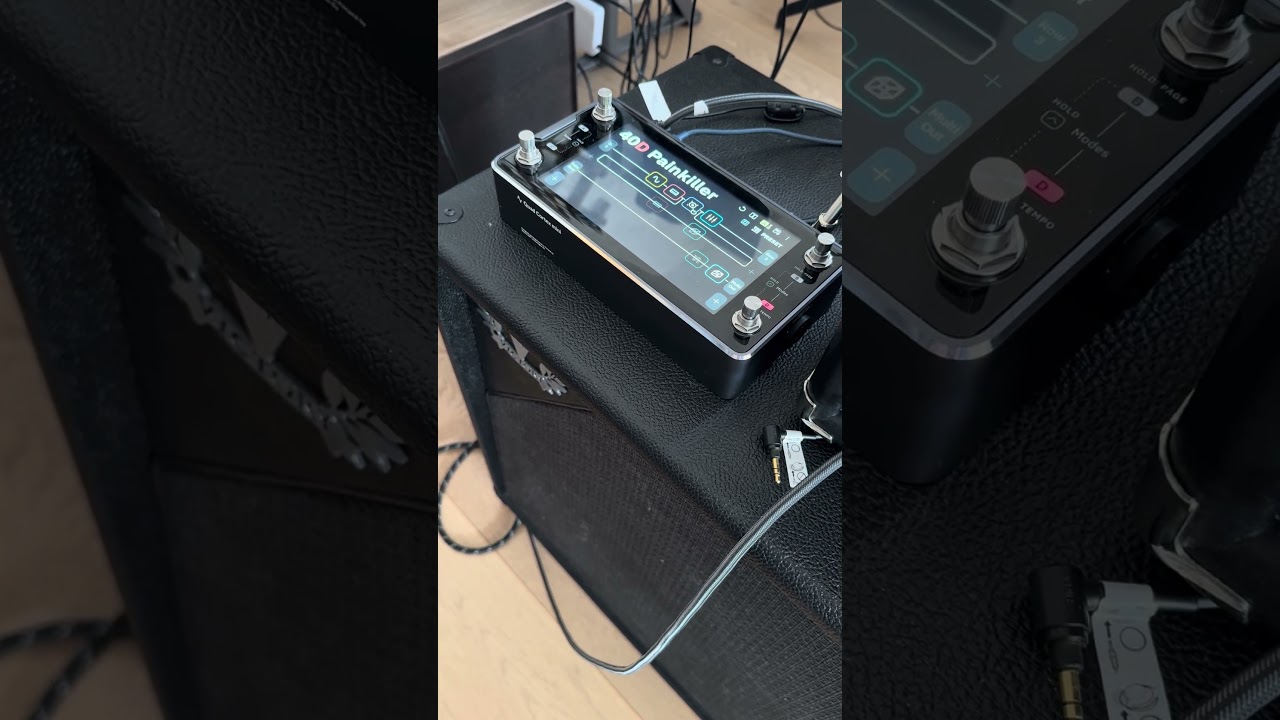
To give you an idea how it sounds: https://youtube.com/shorts/8U5Zztuine4

Especially prominent on D - A - Low E strings, this was filmed without any EQ.
I am using a 4-cable method with output of Cortex going into the return of a tube amp for amp models.

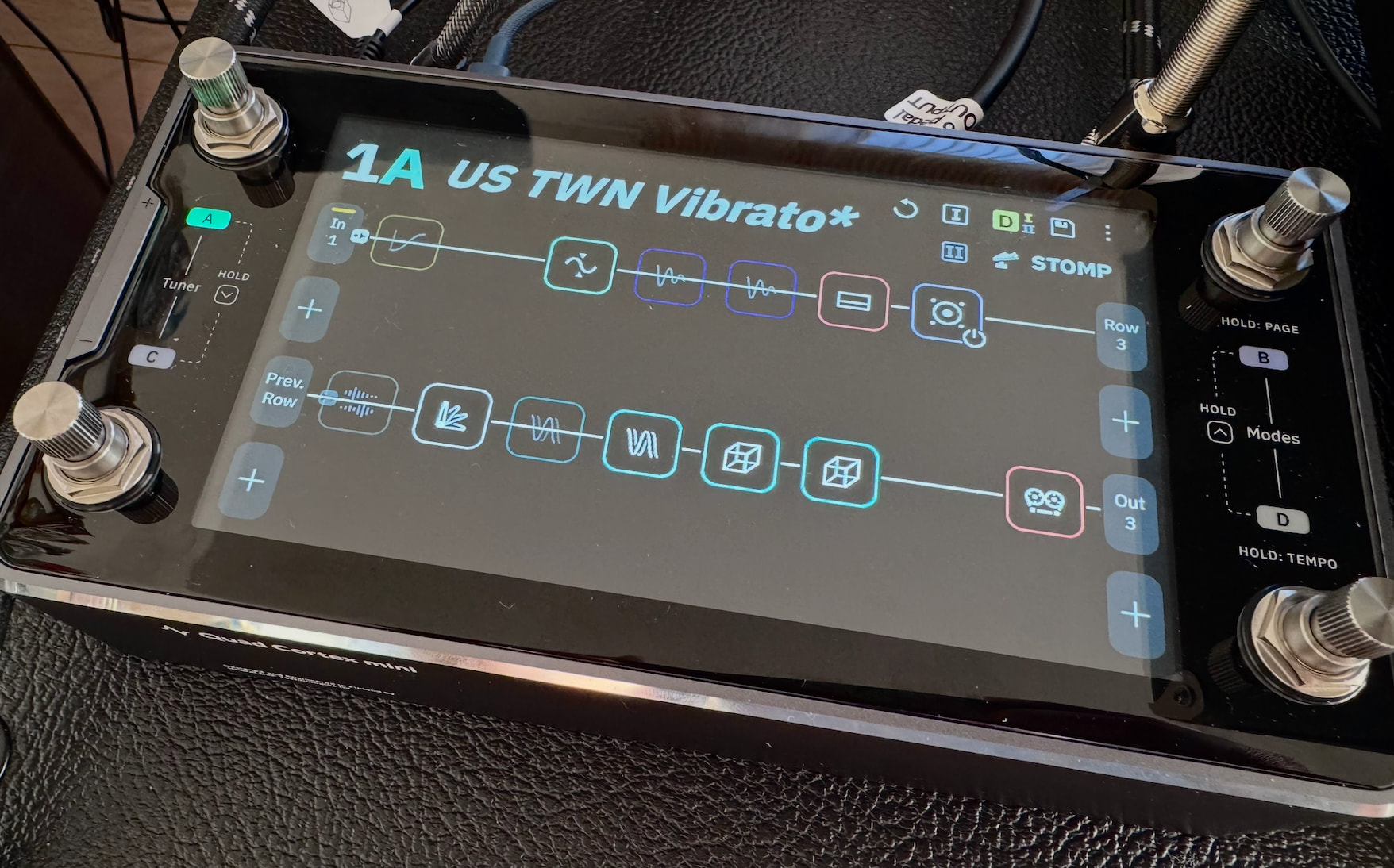
That’s my setup:

CAB’s are globally off:

I was wondering if this could be an affect of a power amp (since model consists of preamp+poweramp) going into power amp of Engl Fireball 25 therefore two layers of power amps lead to this low end/resonance effect.

In Hotone I could decouple amp and use pre-amp only, there was even a specific recommendation in the manual:

but even the whole amp sounded OK, so issue might be elsewhere, since when trying Nano Cortex I was using captures of preamp only and this didn’t help.

I will play around with EQs setting to make sure everything is ON and will share the results later today, thanks again for your recommendations.

EQ settings (Global) are as follows, and they seemed to reduce some of the low end (I initially had ‘Assigned’ turned off while the EQ was on)

Will play around with different presets and will try to film it to see if this has helped.

EQ settings (Global) are as follows, and they seemed to reduce some of the low end (I initially had ‘Assigned’ turned off while the EQ was on)

Will play around with different presets and will try to film it to see if this has helped.

This is EQ off with high gain amp (again into effect loop return of Fireball 25) and LTD guitar with super hot Gibson pickups (500T):

https://youtube.com/shorts/X0l_0XStR6o?feature=share

Sounds perfectly fine, so this boomy effect is when low gain amp models are used in combination with Strat (Yosemite single coils)….

I think there are just too many variables after the QC to pin it down to just one component. The Ingl’s power amp, the speaker cab, the room you’re in…all of these things have their own frequency response. Maybe you’re better off focusing on using the tools at hand to sculpt the sound to what you want. Since you are working with a very “colored" playback system, don’t expect your tone to be similar when going direct into a PA or recording setup, even with a cab IR added. You mentioned that the tone was still boomy when listening through headphones? I’m curious, what kind of headphones were you using? Good quality studio headphones are less likely to exagerate low frequencies but most modern consumer phones tend to be a little, to sometimes VERY exagerated in the bass region. Does your Engl tend sound boomy in your room, without using the QC?

what you might want to do is make a specific preset template for the Strat; dial in an EQ setting (add a block on the grid) to reduce the single-coil boominess, then save this as a template that you can build around for the Strat. Many users create presets for individual guitars because of radical pickup differences.

This doesn’t seem to be an EQ problem, but looks like it has something to do with the level mismatch or inside QC.

Over the course of today I nave tried:

  • turning my closed back 212 Victory cab loaded with pair of V30 into open back - nothing
  • completely different power amp (instead of Fireball 25 used Harley Benton solid state power amp) - nothing
  • switched back all CAB/IRs (btw this is annoying that you cannot leave it active for headphones only) and it did still sound awful vie headphones (I am using Sony WH-1000XM2)
  • checked all levels to make sure that there is no clipping on both input and output (it was OK) - nothing

I wouldn’t even call it boomy sound, but like resonating/distorted. See short clip:

https://youtube.com/shorts/UyXP9CCMs0M?feature=share

I think once playing around with Hotone Ampero II Stage I accidentally ended up having similar sound and reason was I have changed output level from Line to Guitar. Is it an option in QC ?

But again it doesn’t explain why the same is observed in headphones…I am really puzzled.

I am definitely not the first one running QC into preamp of an amplifier, see minute 7.16 - recorded mic-ed. Cabinets are exactly as the one I use, amplifier Victory Kraken is also a high gain amp with a clean channel, similar to my Fireball 25 - how to get this clarity ???

I really don’t want to return the unit and achieve that tonal versatility with QC, so I’d like to rule out any possible configuration issues before taking that step…

I agree…not an EQ issue! It sounds like some kind of distortion that emphasizes odd harmonics. I believe you said you checked your input level to make sure you’re not overloading the front end, right? So it sounds like this with all presets? Even clean factory presets? Even through headphones? If so, I think that contacting NDSP support is you next best step. Send them that audio clip for reference. You may have a defective unit.

You are putting amp models that have power amp models built in, into a tube power amp. Going to assume some of this is partly from that. I’ve experience this sort of thing when doubling up on the power amp modeling. Also doesn’t help totally that you’re only using a 25 watt power amp.

Thanks for all the feedback and thoughts, but I don’t think that unit is faulty, it has something to do with some settings somewhere.

As I mentioned before some of the presets sound OK, for example, Painkiller:

If I try to use capture of Dumble or other clean presets for example - those are awful (house is shaking because of resonance and distortion).

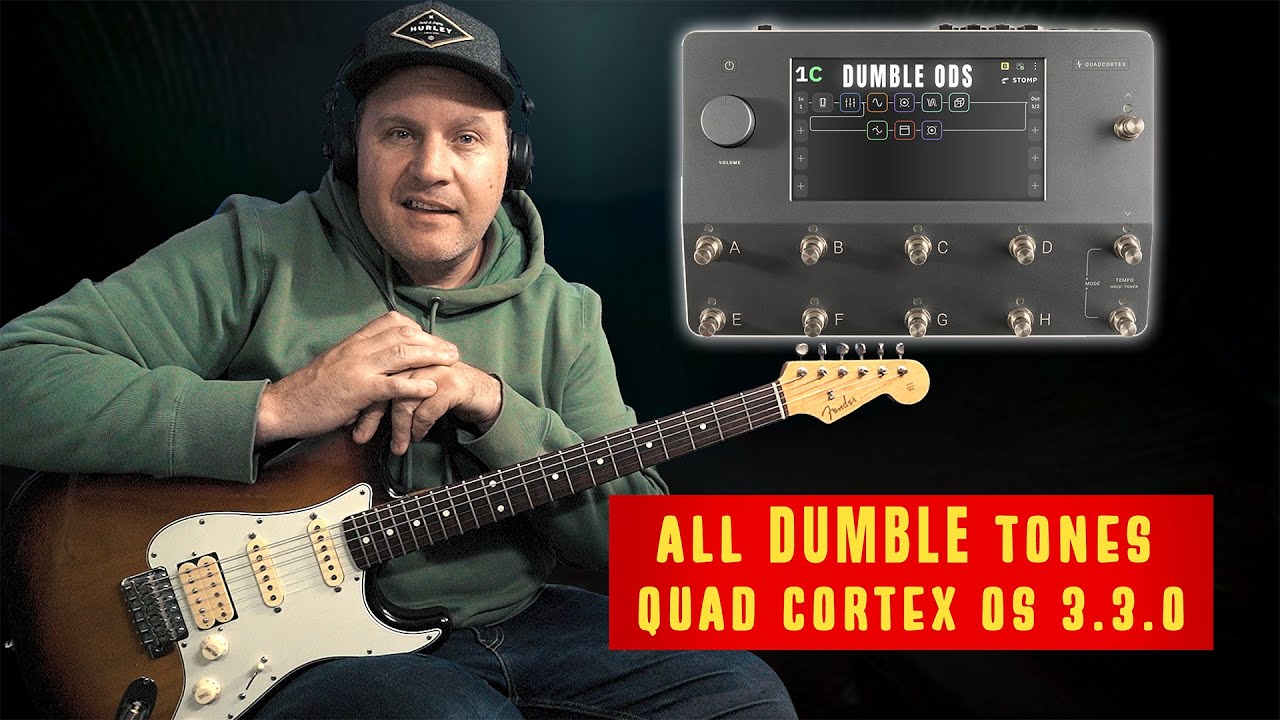
For example, YouTube: see minute 5:32, this is a capture of Dumble ODS 1 (v2)

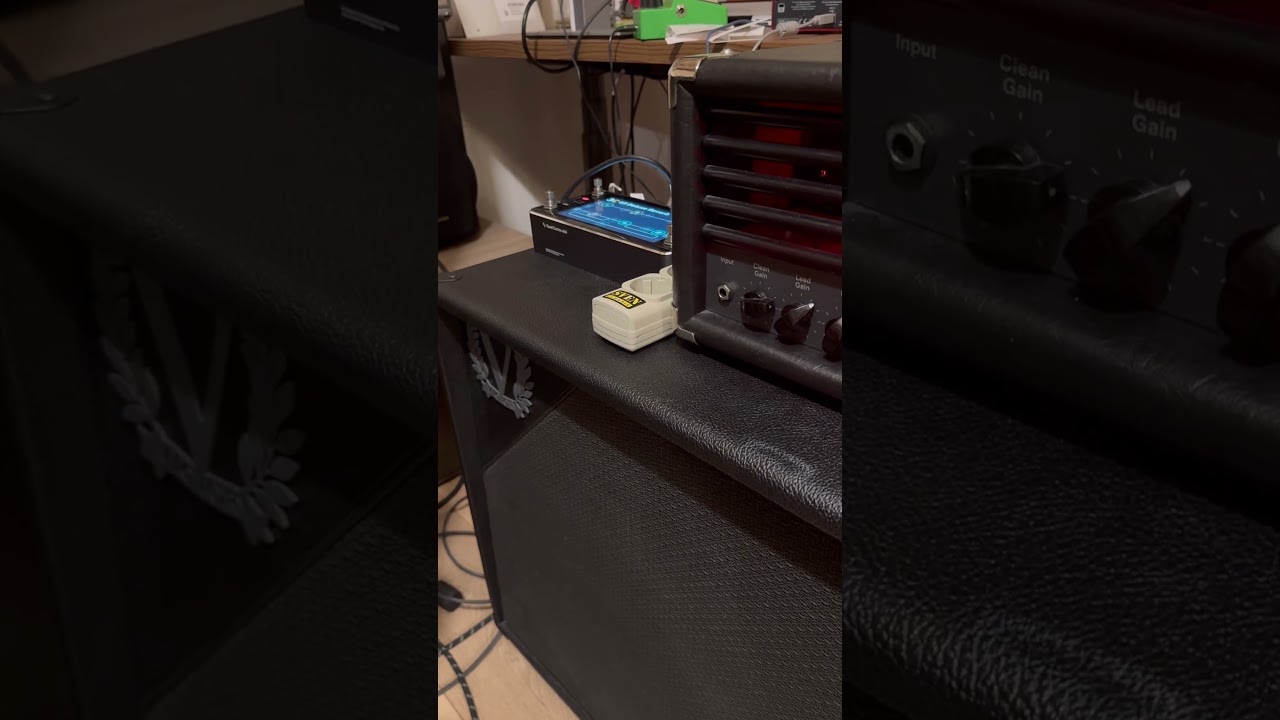
And this is how it sounds in my rig (open string only since was filming at the same time):

I have tried multiple setups - headphones, return of the amp and even plugged that into the amplifier of an audio system (Cambridge Audio) and it sounded horribly the same.

I am really keen to move from analog to hybrid, but I simply can’t with all these issues.

@SelfTitledLP , doubling power amp is what I was referring to in Message 3, but this wasn’t an issue with Hotone Ampero II stage, although it had a possibility to use preamp only, is it an option in QC models ? But this is not the source of the issue, I have tried captures of preamps only and I end up on the same distorted sound. In any case, preamp replacement is officially supported use case with dozens of people in Youtube doing that without any issues.

I have raised a case with Neural support 3 days ago - no feedback so far (hopefully they are not the same as Hotone support - they never responded at all).

Crying for help desperately - did anyone experience same issue and how was it solved ?

I really don’t want to get rid of my QC mini…

Have you checked your input and output meters yet, to make sure that you’re not clipping there? It doesn’t sound like digital clipping but it’s worth checking. Also, are you getting the same distortion with “clean" factory presets? The fact that you’re hearing the same distortion through headphones, indicates that it’s taking place in the Mini. Keep in mind that your user presets won’t sound good through headphones without adding a cab block. If the clean factory presets sound good through headphones, that would indicate that it’s a problem with your presets. If the problem is only in your user presets, try bypassing each block in your preset, one at a time, to see if the distortion goes away or if there is a big volume drop. If so, that would indicate that the output of that block may be set too high and is overdriving the following block(s) in the lane.

1 Like

Some clean sounds via factory presets:

EQ was set to:

This did sound awful yesterday, but the only change I did is switched from Out 3 to Out 4 - is it any different ?

I/O is set this way (there was a slight clipping - I lowered output to -2.25 dB):

Need to try Captures as well, because Dumble V2 capture was a disaster.

As for headphones: when I need to monitor through headphones, I always have to re-enable all IRs/CABs. That’s pretty annoying - is there a way to bypass the IR/CAB for all outputs except the headphone out?

what does it mean exactly ? is there an output setting per block ? That would be tricky to fine-tune

those videos sound like the amp models are being driven to hard. This is common with the QC, for cleans to be CLEAN many of us have to reduce our Input Levels pretty substantially. I assume you’ve probably tried that, but in case not- definitely experiment with backing down your input even if the meters show acceptable levels.

Have you tried a ‘process of elimination’ approach? Start with nothing on the grid and compare the response of the real amp. Add a block at a time and compare to see what’s introducing the most change. Tweak from there. I suspect much of the effect may be hitting the front end of the actual amp and getting unpredictable interactions from doubling up pre- & power amps, etc (unless I’m misunderstanding how you’re connecting/running the rig)

1 Like

Are you sure you’re correctly bypassing the cab block? You should just take that out of the chain completely because I feel like you aren’t actually bypassing it correctly.

also noticed in your first photo that something was plugged into the input of your amp. Are you sure you’re running the QC into just the fx return of your amp?

Also would try to dial in the model with an IR (ideally with a good set of studio monitors) and not headphones. Is the model reacting the same way? Could be how you’re setting the controls of the amp model rather than the QC.

1 Like

I am running QC via 4 cable method:

  • Guitar >> QC input
  • QC output (output 3/4) >> FX Return of an amp
  • FX Send of an amp >> QC return
  • QC send >> input of an amp

All amp models presets go to output 3/4, CAB/IRs are globally bypassed.

After changing to Output 4 instead of 3 things drastically changed…no idea why. I think I am getting somewhere (with your guidance).

Now a bit of high gain, while playing with input/output levels. Pickup in use - Gibson 500 T (it is super hot with output around 17 kiloohm), while before all the booming effect was coming from Strat with single coils (Yosemite, output 8.9 kiloohm)

Oh, you have this all setup incorrectly. I see you linked to the Rabea video, but you must have misread the cabling setup. Looks like you’re sending everything (QC model included) through the input of the amp which will always sound bad. You’re doubling up on the amp model and preamp, and the preset lacks any sort of send/return blocks needed to run this setup.

I would highly suggest you simplify your wiring setup just to be this at first to dial in your QC models-

Guitar to QC input

QC send 1 or 2 to Power Amp return

You’ll need to make sure you aren’t clipping in the gain staging and I/O of the QC. Highly likely your master volume of your amp won’t work when you plug directly into the effects return, so control your volume with the QC output.

I knew something was off when you uploaded a photo of your signal chain and also had a cable going to your amp input in the first photo.

I would also highly recommend you re watch the Rabea video where he explains the cabling setup, because the image of your preset looks incorrect. I don’t see the correct send/return blocks in the preset, and you need to remove to cab block to make sure there isn’t some user error in your understanding of how the global cab bypass works.

3 Likes

I’m sure I haven’t run QC output into an amp input :slight_smile: QC output was going to the return of the amplifier, that’s exactly my setup (see as of 5:26):

and that’s exactly how described here Quad Cortex with Real Amp

Are you saying that I had to do it differently, meaning setting an output of the whole chain to Send ?

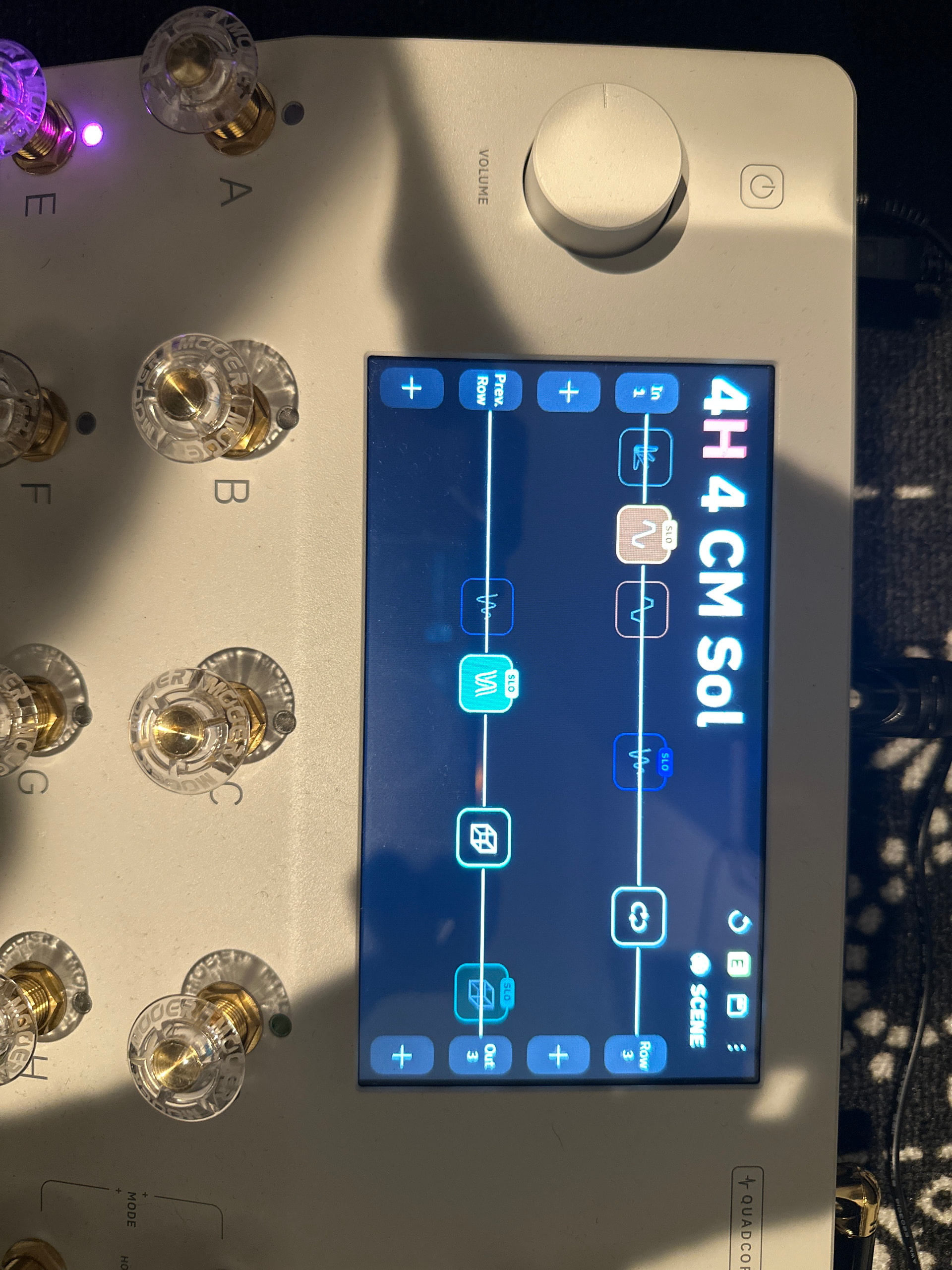
e.g. this is how all presents look like:

Although I call it 4 cable method (which I will tweak later to fully benefit from it) chain doesn’t use it fully, but just an input and output.

But instead I can try this:

Tried, it works, but didn’t notice any sound difference (late night, will try also tomorrow with more gain). As you can see there is a bypass flag on the CAB - I presume it is bypassed.

I just realized a lot of people in community do it as you said:

https://unity.neuraldsp.com/t/quad-cortex-with-real-amp/6507/9

Shall I also try TRS cables ? Does it make any difference ?

Regarding Master volume control, one of the great things about the Engl Fireball 25 is that even with the preamp bypassed, you still retain Master volume control - unlike many Marshalls, where bypassing the preamp removes the master volume entirely and blasts the full 100W straight into you face.

Oh my guy!

You haven’t added the fx loop block :smiley:

its in utility menu- here’s an example for you. See that loop block. White box with a circle loop in it

2 Likes